

 Tech & AI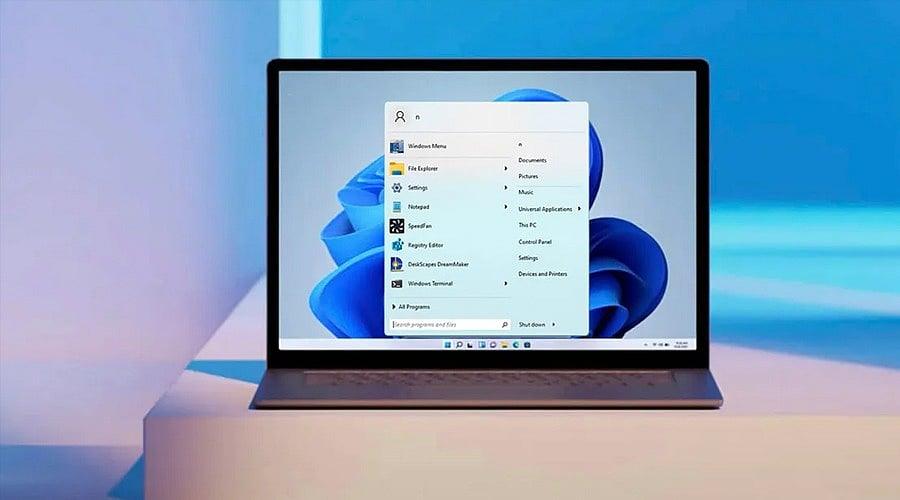
Microsoft has added a modest but useful privacy option to the Windows 11 Start menu. Users can now conceal their account name and profile picture, reducing the personal information that appears whenever the menu is opened. For many people this change will go unnoticed. Yet it offers real value to those who frequently share their screens, record tutorials, or produce videos. With the details hidden, there is no need to blur them during editing. Normally, Windows 11 shows the account name and profile image at the bottom of the Start menu. The new toggle removes both from view. When activated, a generic Microsoft Account icon replaces the personal photo and name. Importantly, the setting does not erase the account details from the device. Clicking the generic picture still opens the account panel, where the name and profile image remain visible. The change is part of Microsoft’s broader push to give users more control over the Windows 11 Start menu. Recent updates have also added customization for sections like Recommended and recently used content.
If the option is available on your PC, open the Settings app and navigate to Personalization > Start. Look for the entry labeled Hide your name and profile picture on Start. Turn on the toggle, then open the Start menu again. The account name and profile picture should no longer be displayed. The feature shipped with the KB5120998 update, which Microsoft started rolling out in August 2026. Because the rollout is gradual, the setting may not appear on every Windows 11 machine right away. If you do not see it, that does not mean your PC has a problem; Microsoft may simply not have enabled it on your device yet.